How to Register on Sovereign Play – Step-by-Step Guide for New Players
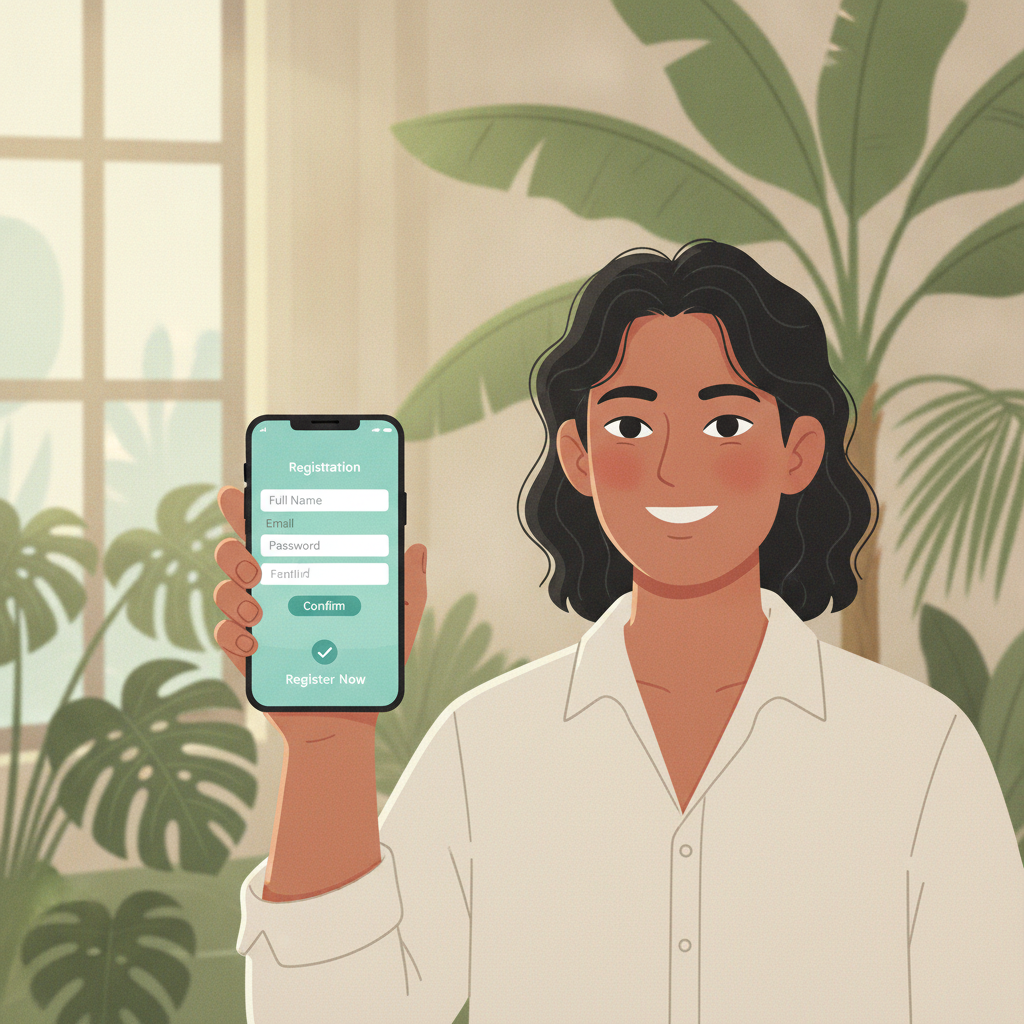
What You Need Before You Sign Up
Before you start the Sovereign Play register process, gather the following:
- Mobile number – Must be active and able to receive SMS verification codes.
- Email address – A working email you check regularly.
- Valid government-issued ID – Sovereign Play requires identity verification. Accepted IDs include your Philippine passport, driver's license, UMID, PhilHealth ID, postal ID, or any government ID with your full name, photo, date of birth, and ID number.
- Age confirmation – You must be 21 years old or older to register and play.
Have these ready on your phone or written down. Registration takes about five minutes if everything is prepared.
Step-by-Step Registration Process
Sovereign Play registration is designed for mobile users. Most Filipino players complete the entire process on their Android phones in one sitting.
1. Open the Sovereign Play Website
Type the official Sovereign Play URL into your mobile browser (Chrome, Safari, or your default browser). Look for the Sign Up or Register button, usually displayed prominently at the top-right corner or as a pop-up banner on the homepage.
Tap the button to begin.
2. Enter Your Mobile Number
The first screen asks for your mobile number. Enter your 11-digit Philippine number starting with 09.
After entering your number, tap Send Code or Continue. Sovereign Play will send a one-time password (OTP) via SMS within 30 seconds to one minute.
Check your messages, then type the OTP into the verification field. Tap Verify.
3. Create Your Username and Password
Next, you'll set up your login credentials.
- Username – Choose something easy to remember. It cannot be changed later, so pick carefully. Avoid using your real name or personal information.
- Password – Create a strong password with at least 8 characters. Mix uppercase, lowercase, numbers, and symbols for better security.
Tap Next or Continue once both fields are filled.
4. Provide Your Personal Details
Sovereign Play will ask for:
- Full name (as it appears on your government ID)
- Date of birth (must confirm you are 21 or older)
- Email address
- Preferred currency (select PHP)
Double-check spelling and formatting. Your name must match your ID exactly, or verification may fail.
Tap Submit or Continue.
5. Confirm Your Email
Check your email inbox for a message from Sovereign Play. Open it and click the confirmation link. This activates your email on the account.
If you don't see the email within five minutes, check your spam or promotions folder.
6. Accept the Terms and Conditions
Before finalizing, you'll be asked to agree to Sovereign Play's terms of service, privacy policy, and responsible gambling policies.
Read the summary (or the full document if you have time), then tick the checkbox confirming you are 21 years or older and agree to the terms.
Tap Complete Registration or Finish.
You'll see a confirmation message on-screen, and you can now proceed to Sovereign Play login.
How to Complete ID Verification for First-Time Users
Sovereign Play requires identity verification before you can make your first withdrawal. Many players also find that submitting ID early speeds up deposits and removes account limits.
When to Submit Your ID
You can upload documents immediately after registration or wait until you're ready to make your first deposit or withdrawal. Sovereign Play may prompt you with a notification banner or email reminder.
What Documents Are Accepted
Sovereign Play accepts the following for identity verification:
- Government-issued photo ID – Passport, driver's license, UMID, PhilHealth ID, postal ID, SSS ID, or voter's ID. The document must be valid (not expired) and show your full name, date of birth, photo, and ID number.
- Proof of address (sometimes required) – Utility bill, bank statement, or barangay certificate dated within the last three months. This may be requested if there's a mismatch or for additional security checks.
How to Upload Your Documents
- Log in to your Sovereign Play account.
- Tap the menu icon (three horizontal lines or a profile icon) and select Account, Verification, or KYC.
- Choose Upload Documents or Submit ID.
- Select the type of document from the dropdown (e.g., "Driver's License" or "Passport").
- Use your phone camera to take a clear photo of the front and back of your ID. Make sure all four corners are visible, text is readable, and there's no glare.
- Upload the images and tap Submit.
You'll receive an on-screen confirmation that your documents were received.
Tips for a Smooth Verification
- Take photos in good lighting – Avoid shadows and reflections.
- Keep your ID flat – Don't fold or bend it.
- Use your phone's native camera – Third-party apps sometimes compress image quality.
- Submit clear, full-color images – Black-and-white or blurry scans may be rejected.
What to Expect After Submitting Your Documents
Sovereign Play's verification team typically reviews submissions within 24 to 48 hours on business days. You may receive:
- Approval notification – An email or SMS confirming your account is verified. You can now deposit and withdraw freely.
- Request for resubmission – If the image was unclear, cropped, or the document type was incorrect, you'll be asked to upload again. Follow the same steps with a better photo.
- Additional information request – In rare cases, Sovereign Play may ask for a selfie holding your ID or a proof-of-address document.
Check your email and account notifications regularly. If you haven't heard back after 48 hours, you can contact Sovereign Play's support team through live chat or email for a status update.
Once verified, your account status will change to Verified or Active in the account settings menu.
Age Requirement and Responsible Gambling Reminder
Sovereign Play is strictly for players aged 21 and over. Registration under this age is prohibited, and accounts found to violate this rule will be closed.
When you register, you confirm your age by entering your date of birth and submitting a government ID. Sovereign Play cross-checks this information during verification.
Play Responsibly
Online gambling should be entertainment, not a way to make money or solve financial problems. Before you start:
- Set a budget – Decide how much you can afford to deposit and lose. Stick to it.
- Set time limits – Don't let play interfere with work, family, or other responsibilities.
- Never chase losses – If you lose your budget, stop. Don't deposit more to "win it back."
- Use account controls – Sovereign Play offers deposit limits, session reminders, and self-exclusion tools in the account settings.
If you or someone you know is struggling with gambling, seek help from a local organization or helpline.
Final Checklist Before You Start Playing
Once your Sovereign Play register process is complete and your ID is verified, you're ready to make your first deposit and explore the platform. Before you do:
- Confirm your mobile number and email are correct in your account settings.
- Review deposit options (GCash, Maya, InstaPay, PESONet) and choose the one that works best for you.
- Check the minimum deposit amount, usually PHP 100.
- Read the house rules for slots, live dealer games, or sports betting if you're new to online casinos.
Welcome to Sovereign Play. Play responsibly, know your limits, and enjoy the games.
This is an independent guide. Sovereign Play is a separate platform. Always verify current policies and offers on the official Sovereign Play site.