Sovereign Play Login Guide – How to Access Your Account on Mobile
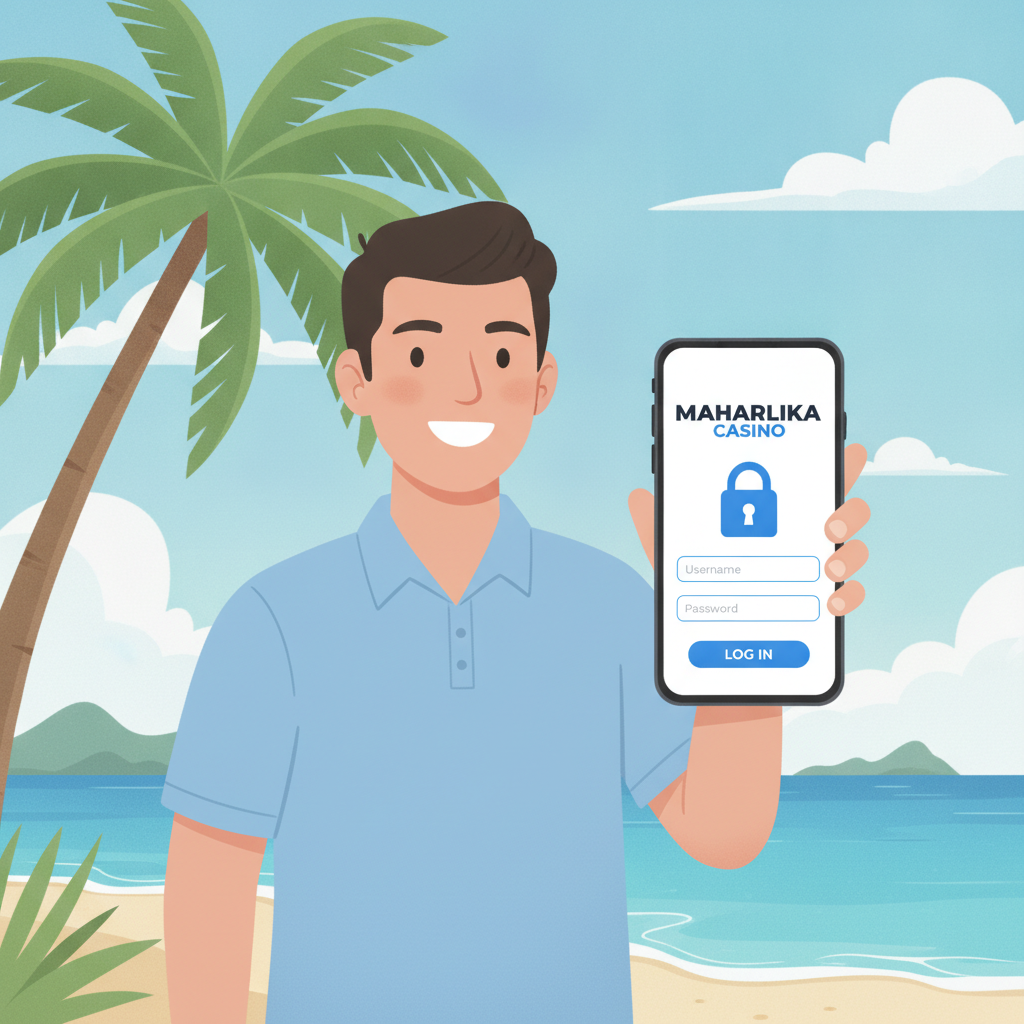
How to Find the Sovereign Play Login Page on Your Phone
Once you've already registered with Sovereign Play, logging in to place bets or check your balance is straightforward—but the steps can vary slightly depending on whether you're using a mobile browser or the Android app.
Using a Mobile Browser
Most Filipino players access Sovereign Play through Chrome or another browser on their Android phone. Open your browser and type the Sovereign Play site address into the URL bar. The homepage loads with a "Login" or "Sign In" button prominently displayed in the top right corner. Tap that button to reach the login screen.
If you've visited before, your browser may auto-suggest the URL when you start typing. You can also bookmark the homepage for quicker access next time.
Using the Sovereign Play App
If you've downloaded the Sovereign Play Android app (via APK), tap the app icon on your home screen or app drawer. The app typically opens directly to the login screen if you're not already signed in. You'll see fields for your username and password right away.
Avoiding Fake or Phishing Sites
Always double-check the web address before entering your login details. Scam sites sometimes copy the look of real casino platforms. Bookmark the official Sovereign Play URL on your first visit so you don't accidentally land on a fake page later. The app downloaded from Sovereign Play's official source is also safer than random APK files found elsewhere.
Entering Your Username and Password Correctly
The Sovereign Play login screen asks for two pieces of information: your username (or registered email address) and your password. These are the same credentials you created during registration.
Username or Email
Sovereign Play typically lets you log in using either the username you chose at sign-up or the email address you registered with. Check which field the login form asks for. If it says "Username," type exactly what you picked when you created your account. If it says "Email," use the full email address—including "@gmail.com" or whichever provider you used.
Filipino players sometimes register with a nickname or short username to save time. If you're not sure which one you used, try your email first, since that's harder to forget.
Password
Passwords are case-sensitive, so "Password123" and "password123" are different. Make sure Caps Lock isn't turned on accidentally—this is a common mistake on Android virtual keyboards.
If you saved your password in your phone's built-in password manager (Google Password Manager for Chrome users), your browser or app may offer to auto-fill it. Tap the suggestion to fill both fields automatically. This also reduces the chance of typos.
Common Entry Mistakes
- Extra spaces: Copying and pasting a password from a note can add a space at the beginning or end. Delete any extra spaces.
- Wrong keyboard language: If you have multiple keyboard languages enabled, make sure you're typing in English when entering your password.
- Typing in the wrong field: Double-check that your username goes in the username box and your password in the password box—it sounds obvious, but it's easy to mix up on a small screen.
After filling in both fields, tap the "Login" or "Sign In" button. If your details are correct, you'll be taken to your account dashboard or homepage, where you can make deposits, browse games, or place sports bets.
What to Do if You Can't Remember Your Login Details
Forgetting your username or password happens, especially if you haven't logged in for a while or if you use different passwords across multiple apps and sites. Sovereign Play offers password recovery tools to help you regain access.
Forgot Your Password
On the Sovereign Play login screen, look for a "Forgot Password?" or "Reset Password" link, usually placed below the password field. Tap it.
You'll be asked to enter the email address you used when you registered. Type your email carefully—this is where Sovereign Play will send the reset instructions.
After submitting your email, check your inbox. The password-reset email should arrive within a few minutes. (If you don't see it, check your spam or junk folder.) The email will contain a link or a one-time code. Tap the link or copy the code into the recovery page, then follow the prompts to create a new password.
Choosing a New Password
When resetting, pick a password that's strong but memorable. A mix of uppercase and lowercase letters, numbers, and symbols is ideal. Avoid easy-to-guess passwords like "123456" or your birthdate. Write it down in a secure place—such as a password manager app—so you don't lose it again.
Forgot Your Username
If you can't recall your username, the recovery process is similar. Some platforms let you retrieve your username by entering your registered email or mobile number. Look for a "Forgot Username?" option on the login page, or contact Sovereign Play customer support through live chat or the help section.
Have your registered email address and phone number ready when you reach out. Support may ask you a few security questions to confirm your identity before sharing or resetting your username.
Account Locked After Too Many Failed Attempts
For security, Sovereign Play may temporarily lock your account if you enter the wrong password several times in a row. If this happens, you'll see a message explaining the lockout. Wait 15–30 minutes, then try again, or use the password-reset option to set a new password and unlock your account immediately.
Security Tips for Keeping Your Account Safe
Your Sovereign Play account holds your peso balance and personal information, so it's important to protect it from unauthorized access. Filipino players often log in from public Wi-Fi or shared devices, which can increase security risks if you're not careful.
Use a Strong, Unique Password
Don't reuse the same password you use for Facebook, GCash, or email. If one account gets compromised, a unique password keeps your Sovereign Play account safe. A good practice is to use a passphrase—a string of random words or a sentence—mixed with numbers and symbols.
Enable Two-Factor Authentication (If Available)
Some online casinos offer two-factor authentication (2FA), which adds an extra layer of security by requiring a code sent to your phone whenever you log in. Check your Sovereign Play account settings to see if 2FA is available and turn it on. Even if someone guesses your password, they won't be able to log in without the code from your phone.
Log Out After Each Session
If you're using a shared phone or a public device, always log out of Sovereign Play when you're done. Tap your profile icon or account menu and select "Log Out" before closing the browser or app. This prevents the next person who picks up the phone from accessing your account.
Even on your own phone, logging out adds a layer of protection in case your phone is lost or stolen.
Avoid Public Wi-Fi for Logging In
Public Wi-Fi in malls, cafés, or transport hubs is convenient, but it's also less secure. Hackers can sometimes intercept data sent over public networks. When possible, use your mobile data connection to log in to Sovereign Play. If you must use public Wi-Fi, consider using a VPN app to encrypt your connection.
Don't Share Your Login Details
Never share your Sovereign Play username and password with friends, family, or anyone claiming to be customer support. Sovereign Play staff will never ask for your password via email, chat, or text. If someone does ask, it's a scam.
Keep Your Registered Email and Phone Secure
Since password-reset emails and security codes go to your registered email or phone number, make sure those are also protected with strong passwords and up-to-date recovery options. If someone hacks your email, they could reset your Sovereign Play password and lock you out.
Check Your Account Activity Regularly
Log in every so often to review your recent bets, deposits, and withdrawals. If you see transactions you didn't make, contact Sovereign Play support immediately. Early detection can limit damage if your account is compromised.
21+ Only – Play Responsibly
Sovereign Play is intended for players aged 21 and over. Online casino games and sports betting should be a form of entertainment, not a way to make money or solve financial problems.
Set a deposit limit before you start playing, and stick to it. Only wager amounts you can afford to lose. If you find yourself chasing losses, spending more time or money than planned, or feeling stressed about gambling, take a break.
Sovereign Play provides tools to help you manage your play, such as deposit limits and self-exclusion options. You can find these in your account settings or by reaching out to customer support.
For additional help, organizations like the National Council on Problem Gambling offer confidential support and resources for players in the Philippines.
Logging in to Sovereign Play on your phone is a simple process once you know where to find the login page and how to enter your credentials correctly. If you ever forget your password or username, the recovery tools are easy to use. By following basic security practices—strong passwords, logging out after each session, and protecting your registered email—you can keep your account safe while enjoying slots, live dealer games, and sports betting on PBA, NBA, and volleyball.
This guide is provided by an independent resource to help Filipino players navigate Sovereign Play. Always gamble responsibly, and remember that you must be 21 or older to play.